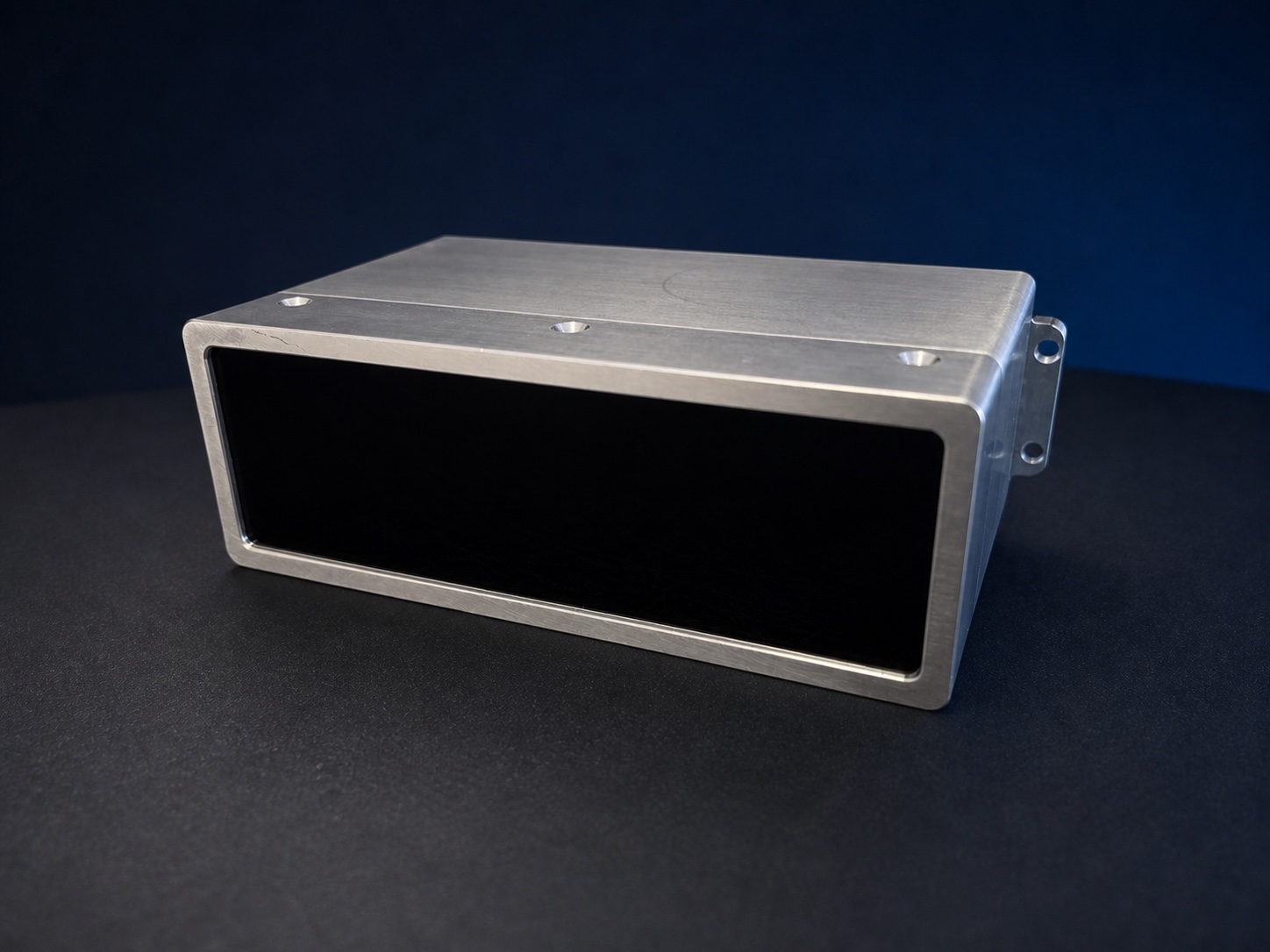
6061 aluminium DED€230.85
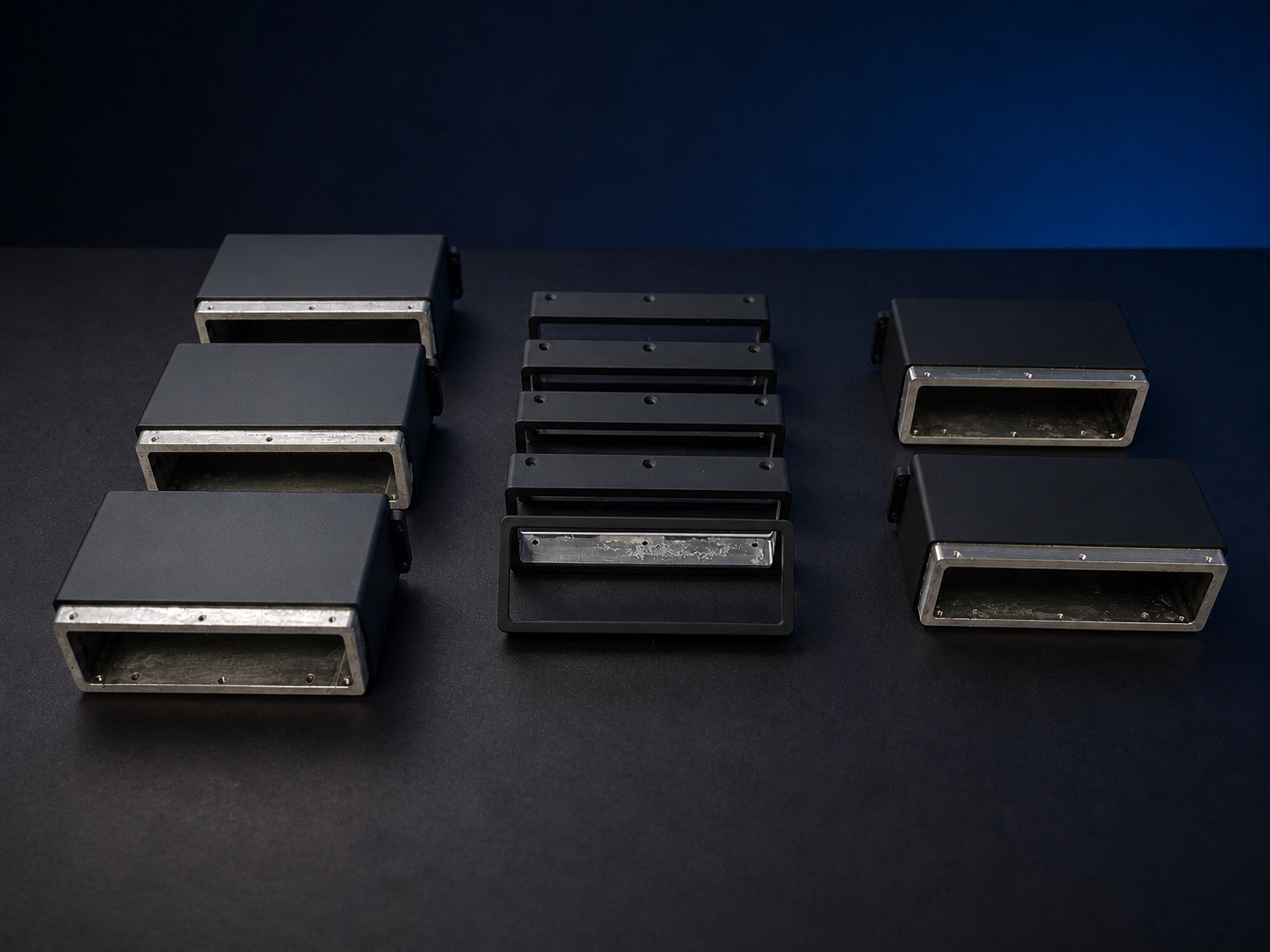
Includes a photopolymer-resin 3D-printed DED rear housing with a painted finish.

 AVAILABLE
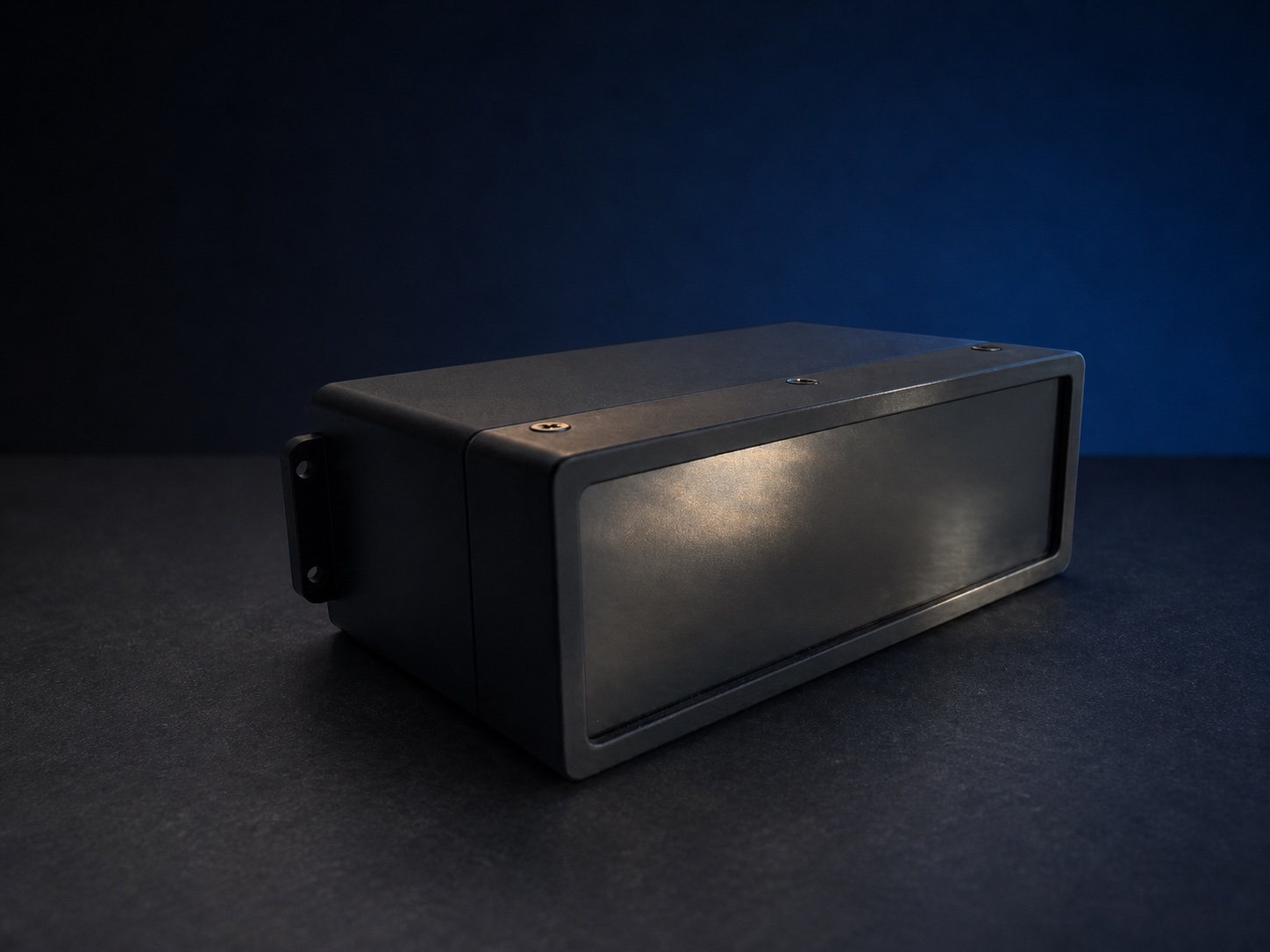
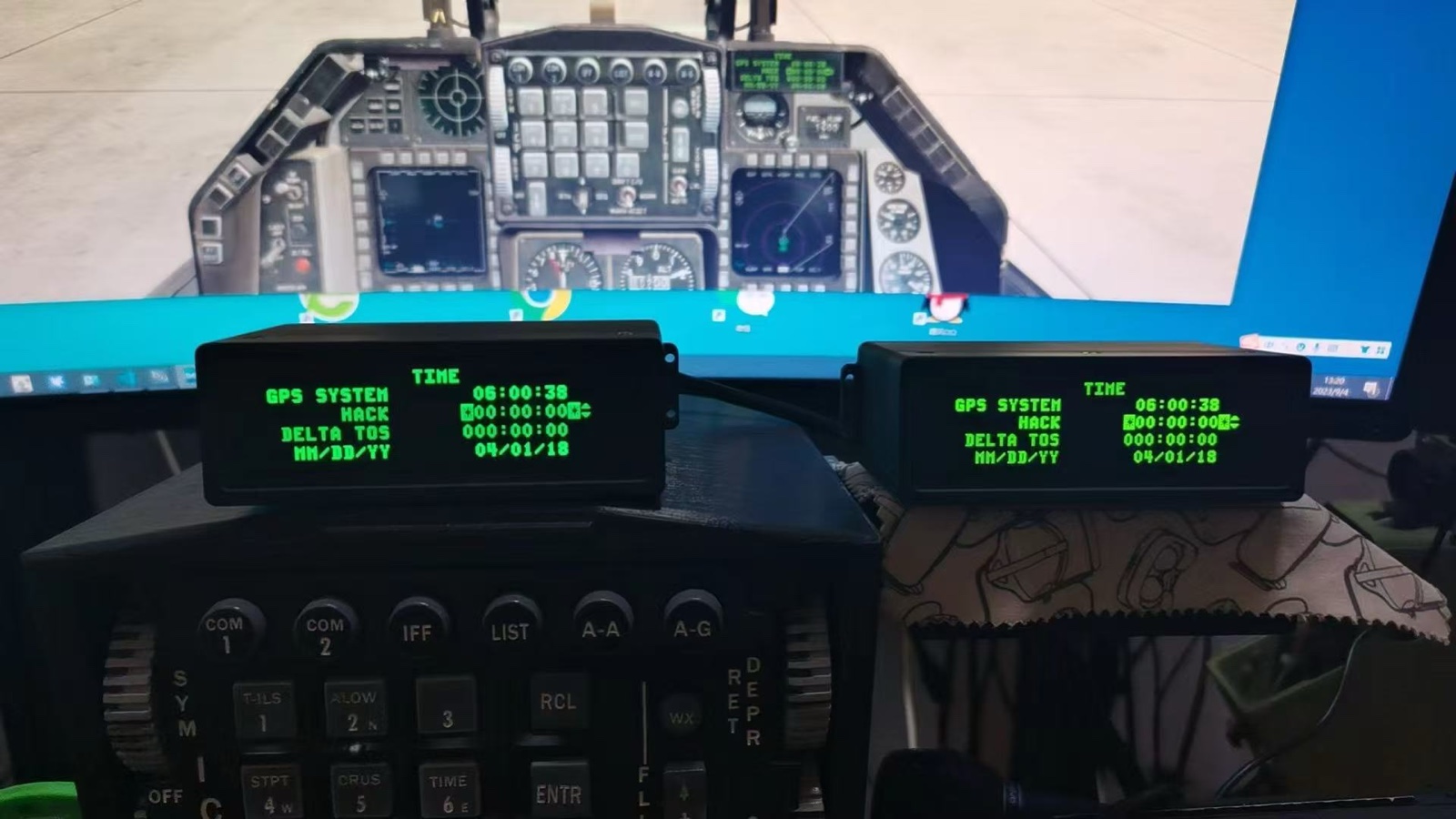
Developed for F-16 ground simulator cockpits, preserving the original DED dot-matrix character style and page hierarchy while improving display use, readability and system integration.
The product price excludes shipping and customs duties. Shipping will be calculated separately before dispatch based on the destination and shipping method.
Estimated dispatch: within 30–45 days after ordering.
To purchase a DED, contact us through Discord or email. Once the order details are confirmed, we will provide a PayPal payment link.
Every character is redrawn around the original DED dot pattern, proportions, placement and spacing rather than replaced with a generic bold font.
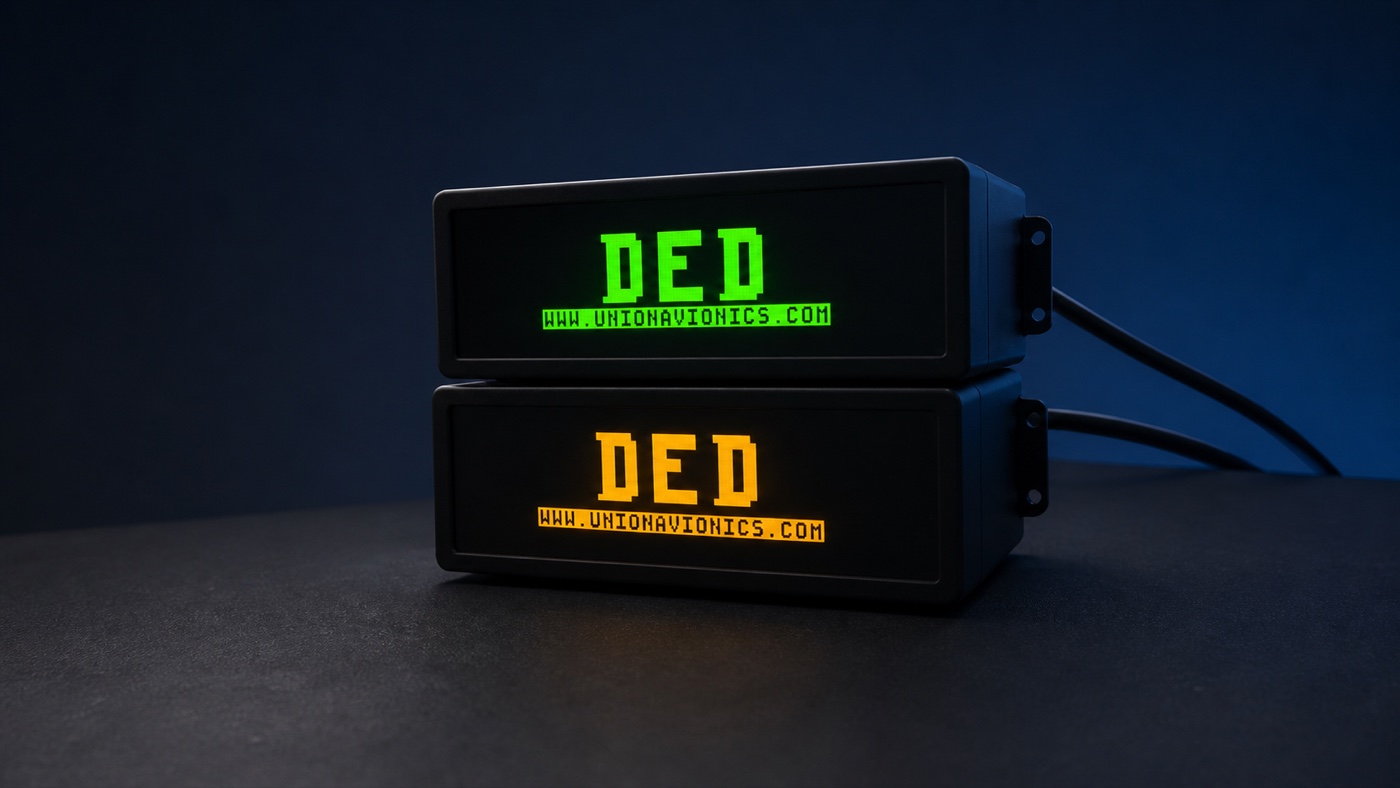
A 3.12-inch OLED is available in standard amber and NVIS-style green. A custom matte optical film controls brightness loss while improving readability in bright environments.
The original dot-matrix style is retained while each page is restructured for the available 256 × 64 display area and a more natural reading hierarchy.
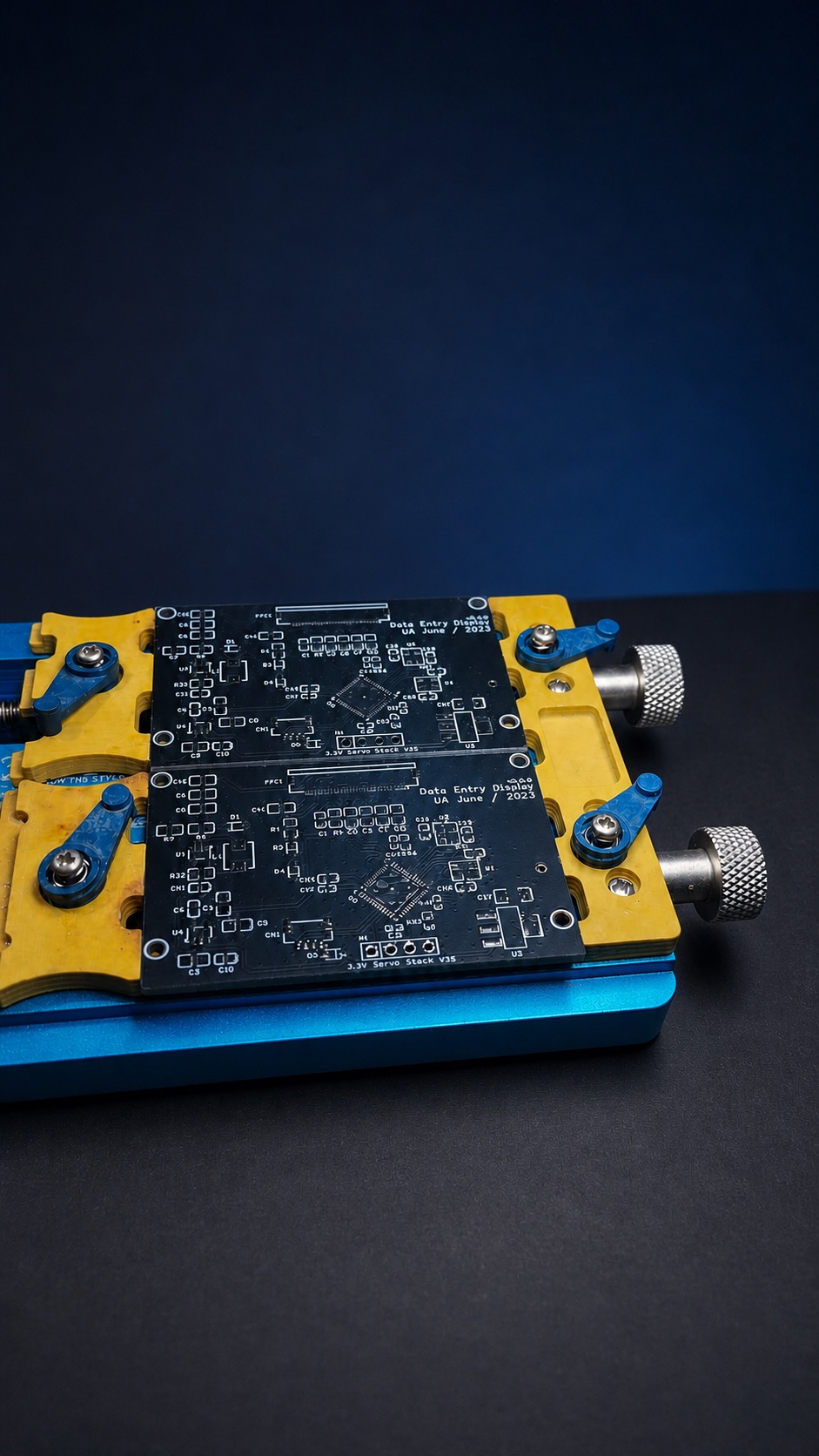
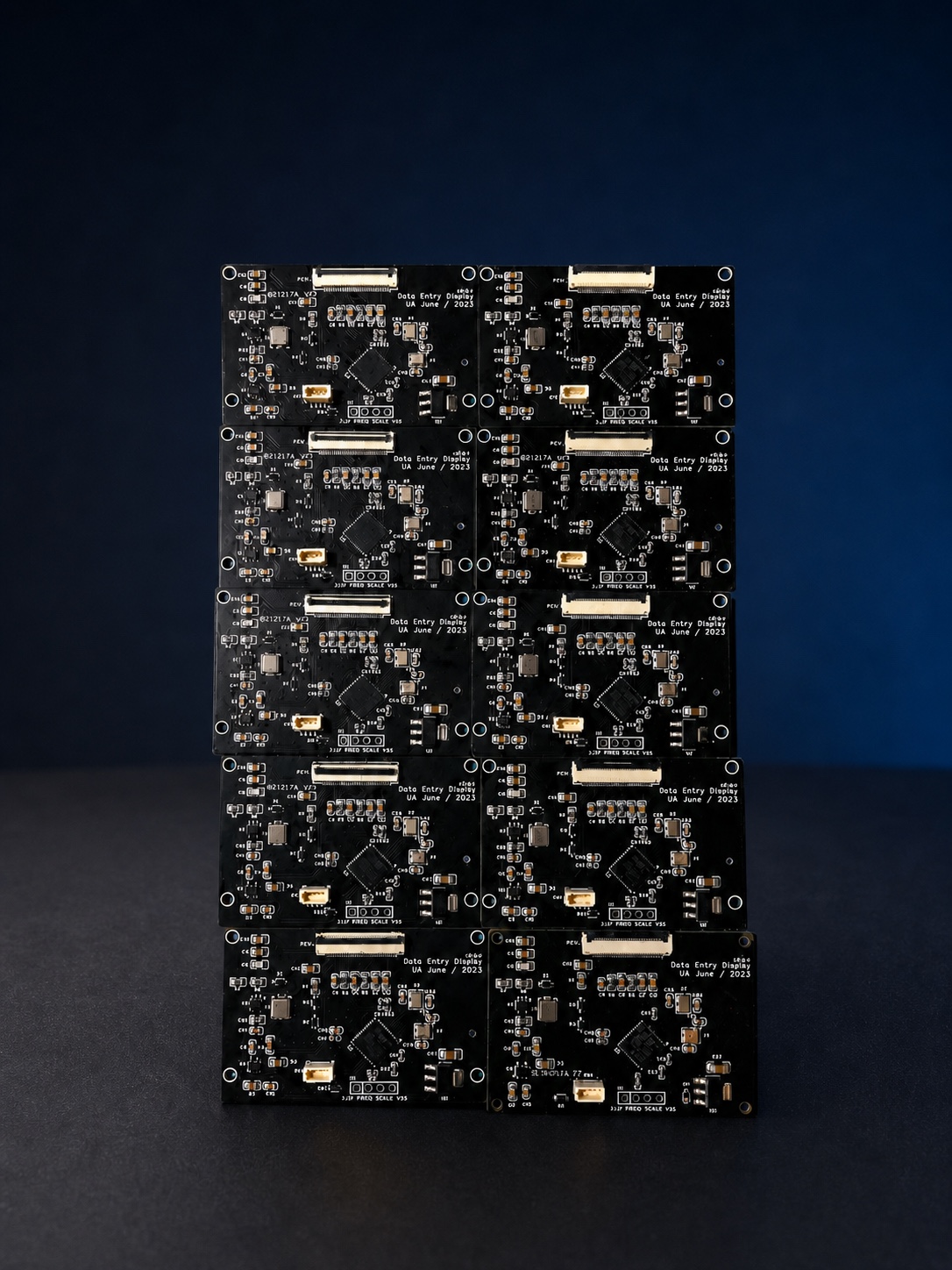
USB data is processed by an STM32 F4 Series MCU. The unit does not depend on a graphics-card video output and does not add a separate video rendering workload.
Union Avionics Simulator Center is developed by UA to exchange flight data between the DED and DCS World or Falcon BMS. Because the software is maintained in house, DED page, character and interaction details can be implemented directly, while compatibility updates and bug fixes can follow simulator updates.
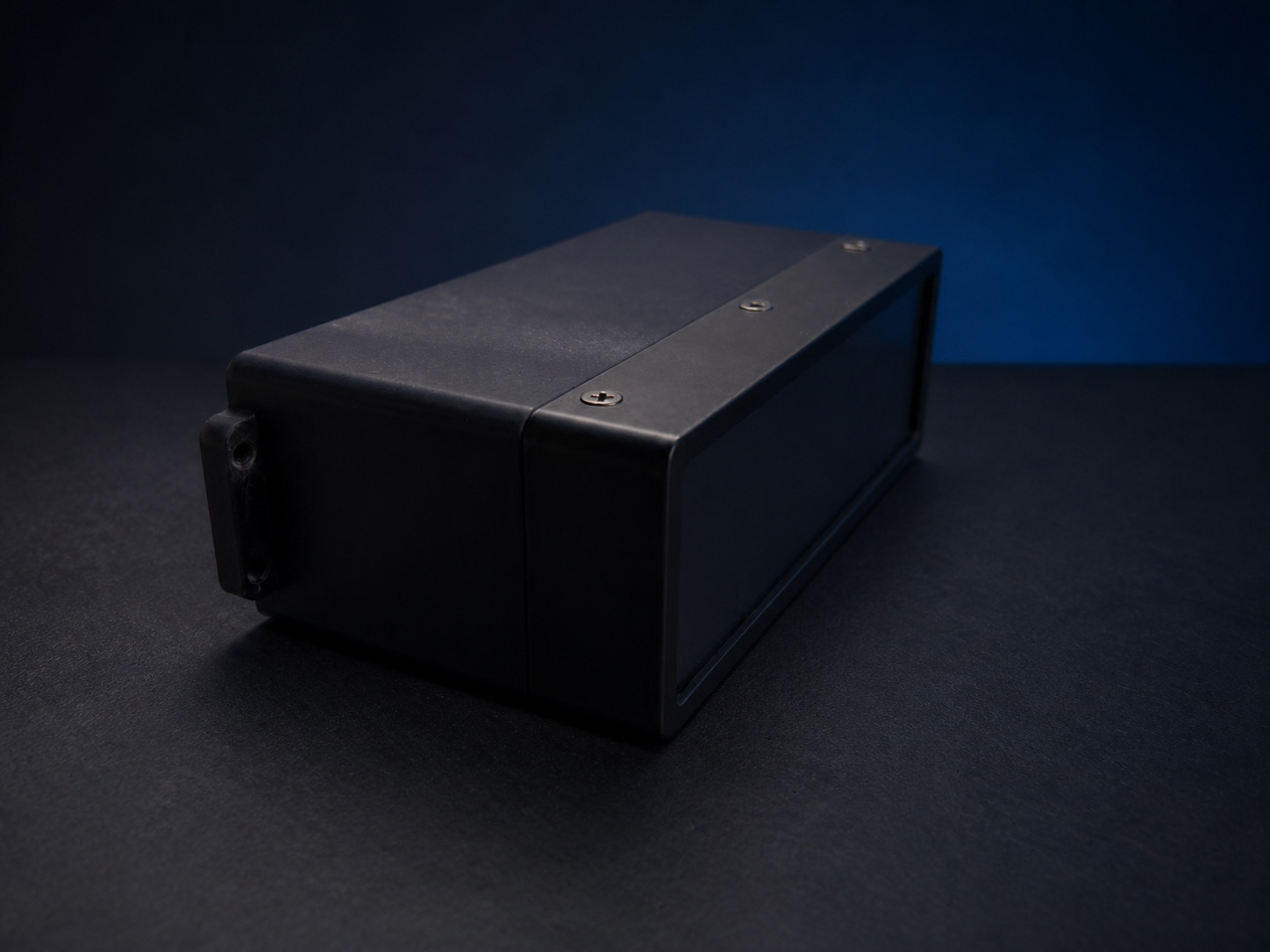
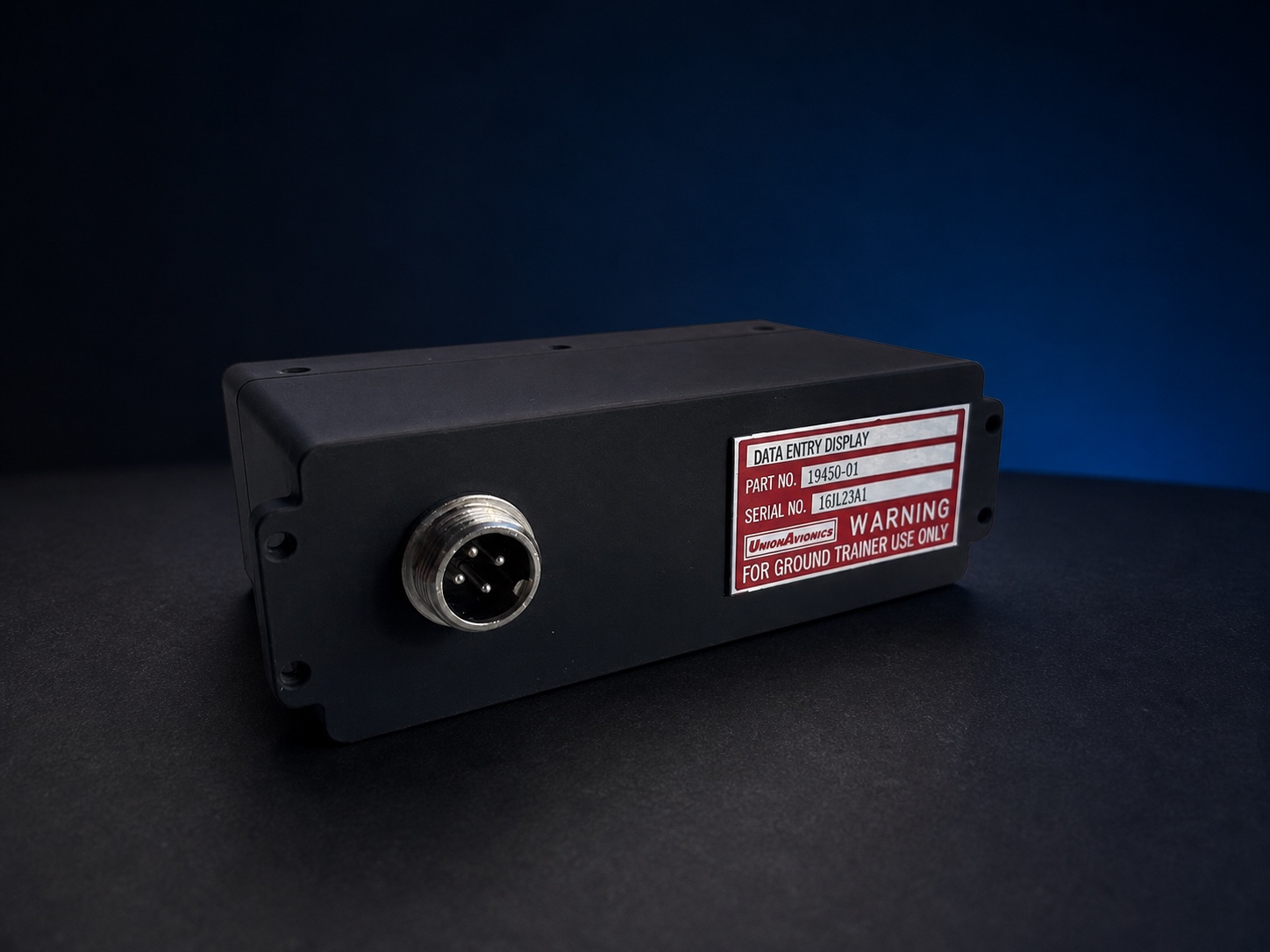
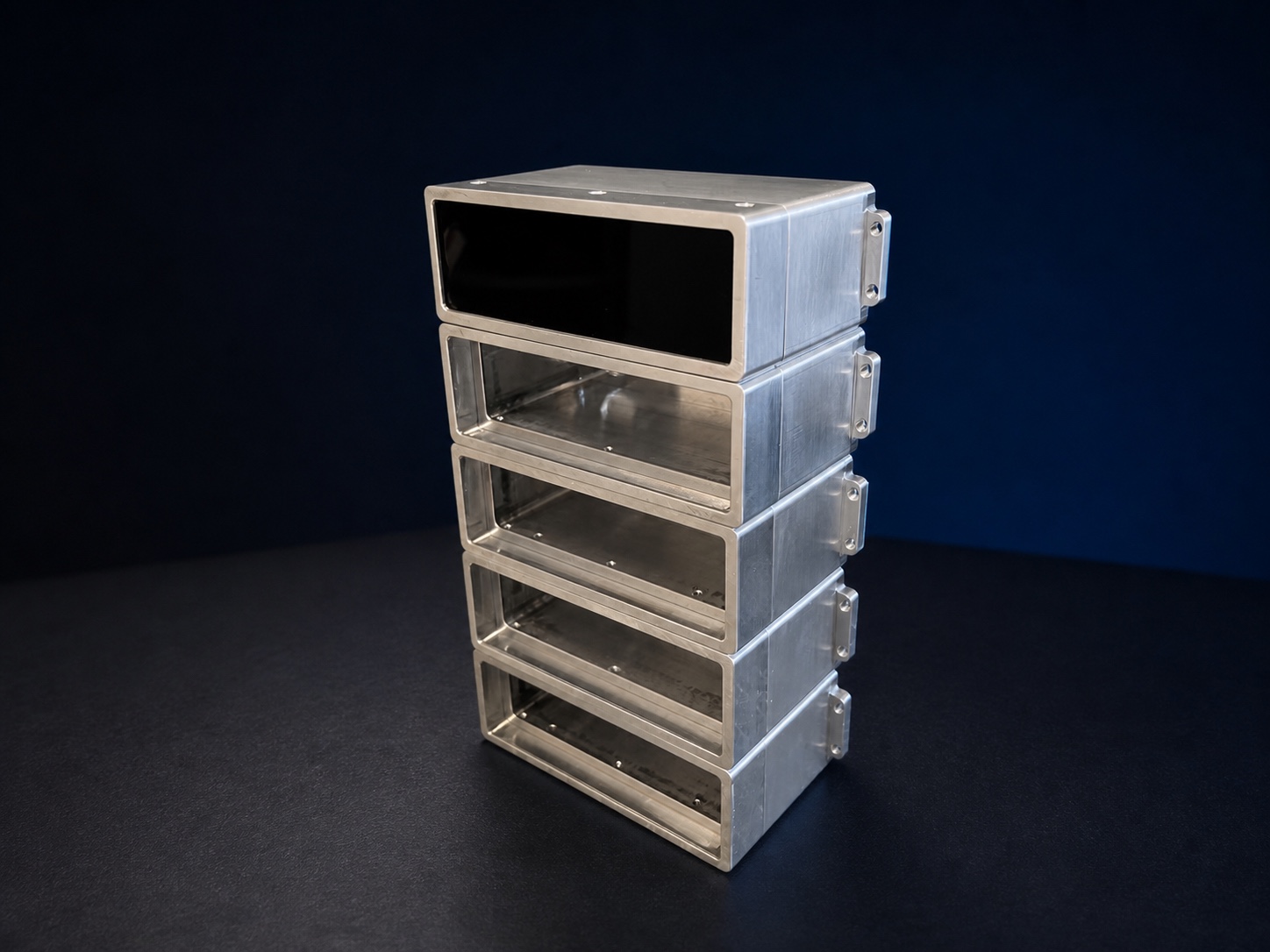
The DED body is CNC-machined from 6061 aluminium. A photopolymer-resin 3D-printed DED rear housing with a painted finish is supplied as standard. After preparation and multi-layer industrial coating, the aluminium body color is referenced against the physical FS 37038 Aviation Black chip in the SAE Federal Standard color deck, providing durable surface protection and a stable appearance. The display, optical film, electronics and interface are then assembled and checked for display output, USB communication and software connection.
These recordings show the green and yellow display versions responding to page changes during simulator operation, including the character rendering and information layout on the physical hardware.
Recorded color and brightness may vary with the camera and viewing display. The videos are intended to show page response and real operating condition.Use the supplied fasteners and dedicated connection cable for installation and data connection.
Use the four supplied M3 screws to secure the DED to a compatible simulator-cockpit mounting position.
For projects that require additional protection or repeated transport.
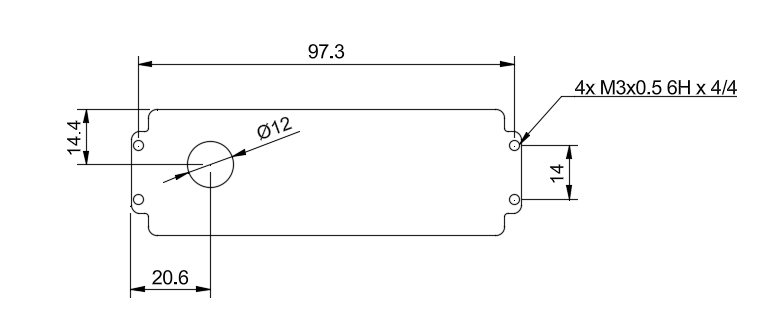
The drawing shows four M3 × 0.5 threaded mounting points and their associated spacing. Dimensions are in millimetres.
Every DED uses a CNC-machined 6061 aluminium body and includes a photopolymer-resin 3D-printed rear housing with a painted finish as standard. The integrated display driver, controller and interface electronics retain the confirmed display face and mounting relationship.
This product is intended only for ground-based simulators and flight simulation. It is not airworthy equipment and is not intended for installation in an aircraft.